
There are no products listed under this category.
Shop by Brand
Laptop Repairs
Laptop Repair in San Marcos, TX
San Marcos Computers provides laptop repair for Windows laptops and supported portable computers in San Marcos, Texas. We diagnose hardware and software problems and explain your repair options before work is performed.
Whether your laptop will not turn on, will not charge, has a broken screen, is running slowly or is experiencing Windows or software problems, we can help determine what is wrong.
Free computer diagnostics are available.
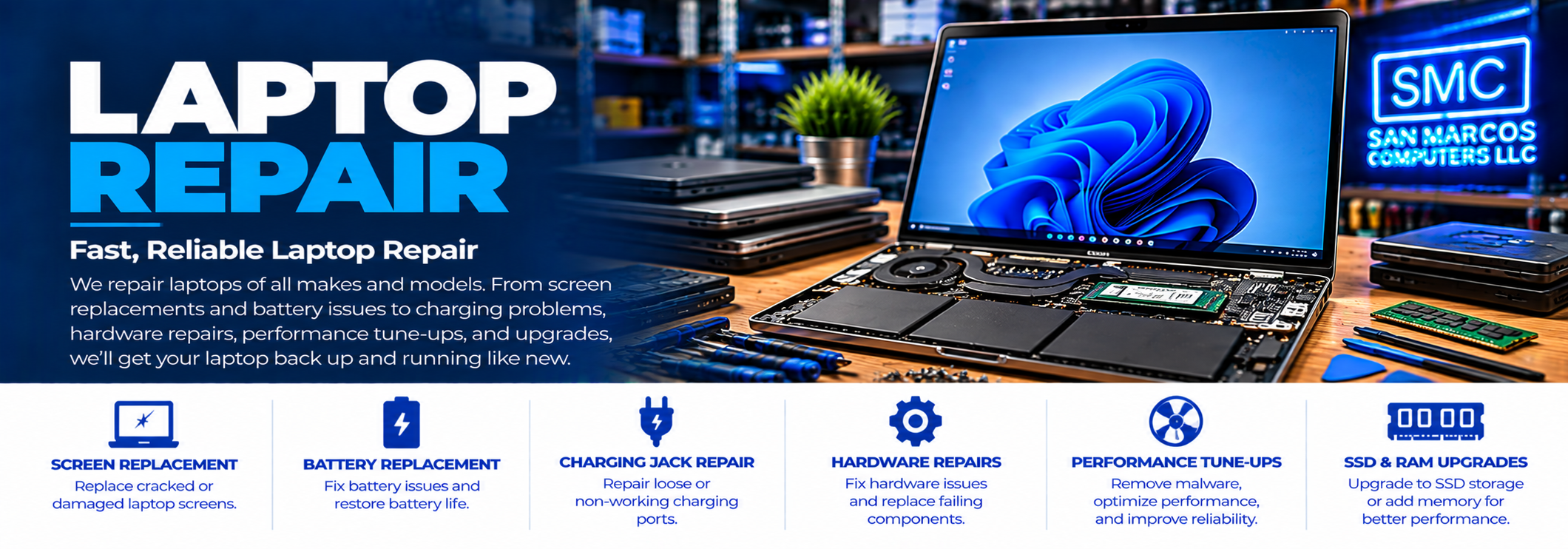
Common Laptop Problems We Repair
Laptops combine many components into a compact system, so problems can involve the display, battery, charging system, storage, memory, keyboard, cooling system, Windows or other software.
Common laptop problems include:
- Laptop will not turn on
- Laptop will not boot
- Laptop will not charge
- Broken or damaged screen
- Battery problems
- Charging jack problems
- Keyboard problems
- Hard drive or SSD problems
- Laptop running slowly
- Overheating
- Fan problems
- Windows problems
- Virus and malware problems
- Crashing or freezing
- Unexpected error messages
Free Laptop Diagnostics
If you are not sure what is wrong with your laptop, start with our free computer diagnostics.
We can determine whether the problem appears to be related to hardware, software or another issue and explain the available repair options.
Laptop Screen Replacement
A cracked, damaged or malfunctioning laptop display does not necessarily mean you need a new computer.
We can diagnose laptop display problems and, when the appropriate replacement is available, replace damaged laptop screens.
Screen problems can also be caused by cables, graphics hardware or other components, so proper diagnosis is important before replacing the display.
Laptop Battery Problems
Laptop batteries eventually lose capacity and may no longer hold a useful charge.
If your laptop shuts down unexpectedly, runs only when connected to the charger or no longer holds a charge for a reasonable amount of time, the battery may need to be replaced.
We can diagnose the charging and battery system to determine whether the battery or another component is responsible.
Laptop Charging Problems
A laptop that will not charge can have several possible causes.
The problem may involve the AC adapter, charging circuitry, battery or physical charging jack.
We can diagnose the system to determine what is preventing the laptop from charging properly.
Laptop Charging Jack Repair
Physical damage or wear to a laptop charging jack can prevent the computer from receiving power even when the charger itself is working properly.
Charging-jack problems require diagnosis because the jack, motherboard, charging circuit or power adapter may be responsible for the symptoms.
Laptop Hard Drive and SSD Replacement
A failing or outdated storage device can cause slow performance, crashes, boot problems and other symptoms.
When the existing storage device is functioning normally, we can replace it with a new hard drive or SSD and handle the appropriate data transfer as part of the repair.
An SSD upgrade can also provide a substantial improvement in responsiveness on a laptop that is still using an older mechanical hard drive.
Visit our Hardware Repair & Upgrades page for additional information.
Laptop RAM Upgrades
Some laptops can be upgraded with additional memory.
When compatible RAM is available, increasing the amount of memory can help a laptop handle multiple applications and larger workloads more effectively.
We can determine whether your laptop supports a memory upgrade and what options are appropriate for the system.
Laptop Overheating
Overheating can cause a laptop to slow down, shut down unexpectedly, become unstable or suffer hardware damage over time.
Possible causes include blocked airflow, dust buildup, fan problems, thermal issues or other hardware conditions.
We can diagnose the cause of the overheating and determine what service may be appropriate.
Laptop Keyboard Problems
Individual keys or entire laptop keyboards can stop working because of physical damage, liquid exposure, wear or other hardware problems.
We can diagnose keyboard problems and determine whether the keyboard can be repaired or needs to be replaced.
Windows and Software Problems
Not every laptop problem is hardware-related.
Windows errors, startup problems, unwanted software, malware and other software issues can cause a laptop to become slow, unstable or difficult to use.
Our Software & Computer Security service covers many common software and security problems.
Laptop Virus and Malware Removal
If your laptop has unusual pop-ups, browser problems, unwanted programs or other suspicious behavior, it may have a malware or security problem.
We can diagnose and address many common virus, malware and unwanted-software problems.
If you believe someone has gained unauthorized remote access to your computer, see our Remote Hack & Computer Security Assistance service.
Laptop Tune-Ups
A laptop that has become slow over time may benefit from computer repair and tune-up work.
Depending on the condition of the system, this may include addressing unnecessary startup programs, unwanted software, Windows problems, performance issues and other causes of slow operation.
Tune-ups are handled as part of our general computer repair services rather than as a separate repair category.
Laptop Data Transfer
If your laptop is working normally and you need files transferred to another computer or storage device, our Data Services can help.
If the laptop's storage device is failing or files have become inaccessible, do not continue using it unnecessarily. Our specialized Data Recovery service may be appropriate.
Laptop Data Recovery
A laptop that will not start does not necessarily mean the data stored on it is gone.
If the storage device can be removed and is in a condition suitable for recovery, you may not need to bring the entire laptop for data recovery.
Our Data Recovery service provides a free assessment and, in most cases, actually performs the recovery before providing a quote. This allows us to determine what data is recoverable before you decide whether to purchase the recovery.
Repair or Replace Your Laptop?
A laptop with a broken screen, failed storage device, battery problem or other hardware issue does not automatically need to be replaced.
Depending on the age, condition and capabilities of the laptop, a repair or upgrade may make sense. In other cases, replacing the computer may be the more practical option.
We can diagnose the problem and explain your options so you can decide what makes sense for your situation.
Laptop Repair in San Marcos
San Marcos Computers provides laptop repair in San Marcos, Texas, including hardware repairs, upgrades, Windows troubleshooting, security assistance and data-related services.
We are located at 2206 Old Ranch Road 12, just minutes from Texas State University and downtown San Marcos.
Contact San Marcos Computers or start with our free computer diagnostics if you need help with your laptop.